

What it is:
WebAuthn (Web Authentication) is a modern web standard developed by the World Wide Web Consortium (W3C) and FIDO Alliance that enables passwordless, phishing-resistant, and public key cryptography-based user authentication on the web. It is a core component of the FIDO2 framework, alongside CTAP (Client to Authenticator Protocol). WebAuthn allows browsers and applications to register and authenticate users using a cryptographic key pair stored in a secure authenticator — such as a biometric sensor, hardware security key (e.g., YubiKey), TPM chip, or built-in platform authenticator like Face ID or Windows Hello.
Unlike passwords, which are symmetric secrets vulnerable to phishing, reuse, and breaches, WebAuthn uses asymmetric cryptography: the private key stays on the user’s device and is never shared, while the public key is stored on the server.
Why it matters:
WebAuthn addresses several critical challenges in modern identity security:
Eliminates reliance on passwords, reducing attack surfaces like credential stuffing, brute force, and phishing.
Improves user experience with faster, frictionless login using biometrics or a simple gesture (tap, scan, etc.).
Meets compliance requirements for strong authentication under regulations like PSD2, NIST 800-63B, and FIDO2-certified standards.
Supports modern CIAM strategies by enabling passwordless journeys, especially for high-value consumer transactions or step-up authentication in regulated industries like banking or gaming.
Boosts authentication assurance levels (AAL) for both customers and workforce, aligning with Zero Trust principles.
How it works:
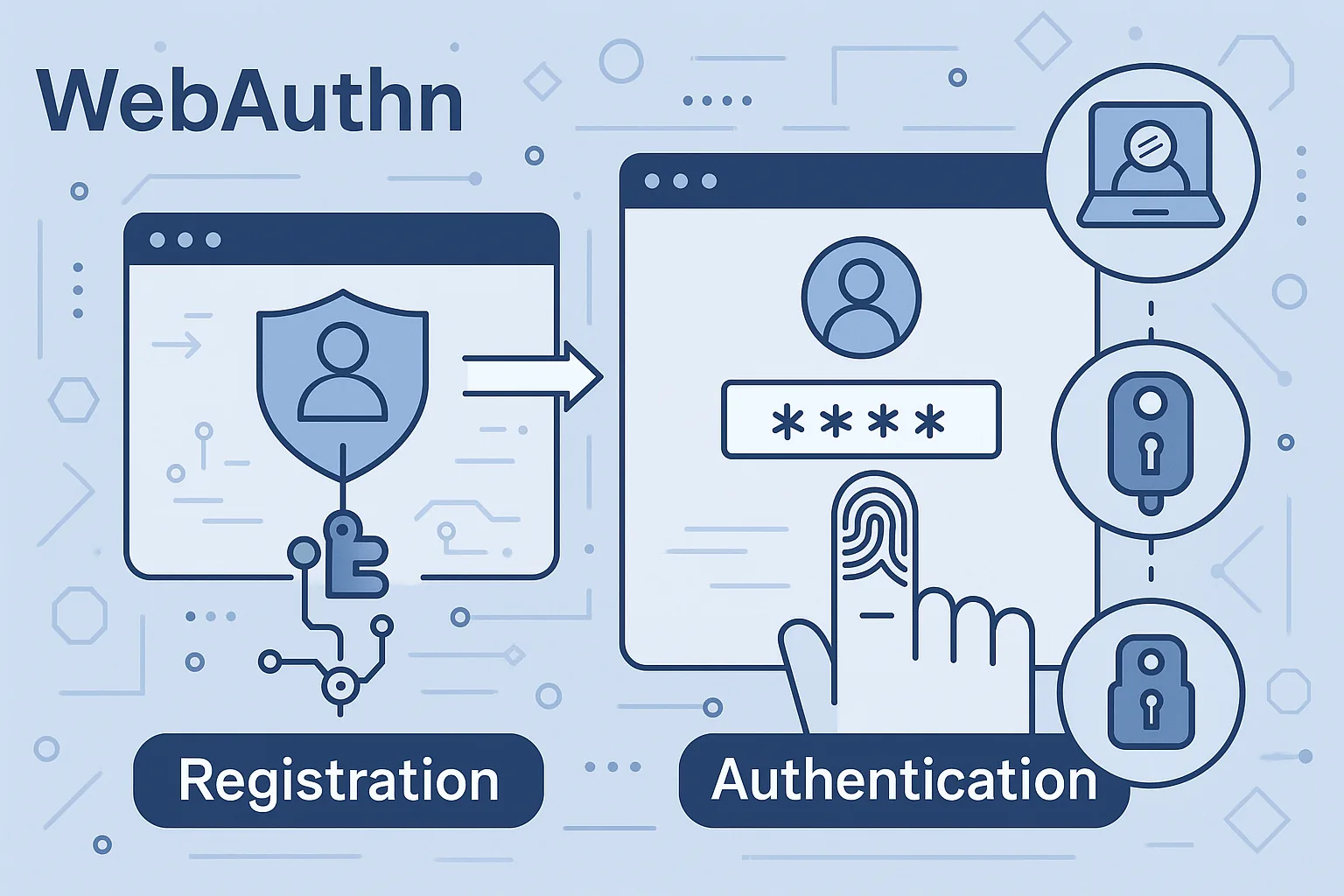
WebAuthn works through a browser-based API that enables registration and authentication flows using a supported authenticator. Here’s a high-level breakdown of each flow:
1. Registration (Credential Creation):
The user is prompted to register a device during onboarding or settings.
The browser calls navigator.credentials.create() to request the authenticator to generate a key pair.
The public key, along with device metadata, is sent to the server and stored as a credential linked to the user.
The private key remains securely stored in the device’s hardware module or OS-bound credential store.
2. Authentication (Login):
During login, the browser calls navigator.credentials.get() to trigger the authenticator.
The user performs a gesture (e.g., fingerprint, facial scan, PIN, or tap).
The device signs a challenge from the server using the private key.
The server validates the signature with the stored public key to authenticate the user.
WebAuthn Authentication Types:
Platform authenticators: Built into the user’s device (e.g., Windows Hello, Touch ID).
Roaming authenticators: External devices (e.g., USB/NFC/Bluetooth security keys like YubiKey).
Advanced Capabilities:
Passkeys: WebAuthn credentials that sync across user devices (e.g., iCloud Keychain), allowing secure login without re-registration.
User verification (UV) and user presence (UP) flags: Ensure biometric or local PIN enforcement as part of authentication.
Attestation: Optional mechanism to verify the authenticator’s provenance and trustworthiness (used in high-assurance setups).
Integration Notes:
Supported by all major browsers: Chrome, Firefox, Safari, and Edge.
Natively supported by identity platforms like Ping Identity, Microsoft Entra ID, Okta, ForgeRock, and Keycloak via WebAuthn authenticators or FIDO2 modules.
Can be combined with MFA, risk-based authentication, or step-up flows using platforms like PingOne Protect or Guardian.